The below video shares about the different types of orders to place in our MyOffice
The options are:
- Create a Party – This is something you can do for yourself (especially if your product order that is not samples is over $200) or a host. It will create a shopping link automatically to your free website AND allow you to add Free and Half off items to the Host’s order
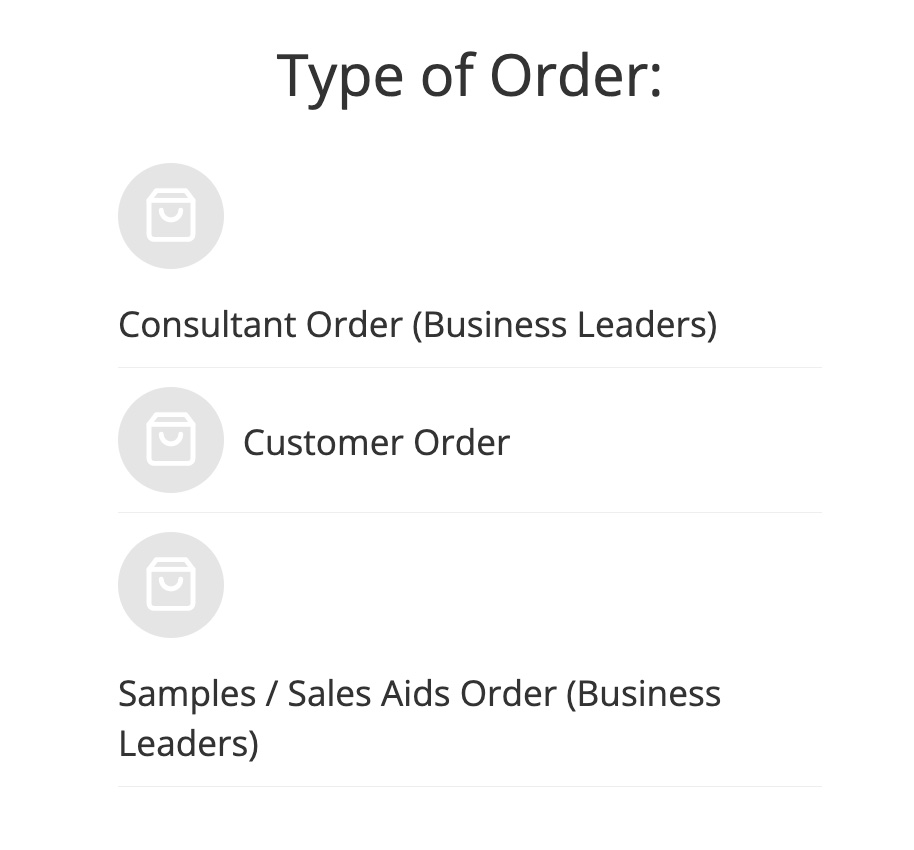
- Place Order – This has 3 different options with it. They are Consultant Order, Customer Order, and Samples/Sales Aides
When to use Consultant Order:
- Redeeming Awards: Awards are items we earn from Tupperware through weekly challenges, monthly challenges, Confident Start Program, and Signing Bonuses either for being new or for recruiting when offered. When you group them all together the max shipping as well.
- Samples: We can order 1 sample from the list at a 35% discount. This type of Sample order may take a little bit longer
- Sales Aides: These are the catalogs, flyers, peelers, keychains, etc that we use at our parties
How to place first consultant order
When to use a Customer Order:
- You can also direct ship orders or ship to you smaller orders that people give to you. Note this is really only good for orders under $200 and want direct shipping. If it is over $200 and can use the Host Benefits its is advised for you to put it in as a party.
When to use a Sample/Sales Aid order
When you active we have the ability to Sample. When you use the Sample/Sales Aide orders then you are able to have faster shipping. Please note that only Samples AND Sales Aides are in this order. If you have Awards to redeem then you will need to use the Consultant order type.